Wendy’s Delivery: How to Order Online 2026
How to order Wendy's delivery in 2026: the Wendy's app and all seven delivery partners, fees and minimums, what you can't get delivered, and drive-thru hours.
 By Jimmy
To order Wendy’s delivery, open the Wendy’s app or go to order.wendys.com, choose Delivery, enter your address, build your order and check out — or order through DoorDash, Uber Eats, Grubhub, Instacart, Postmates, Shipt or Walmart. Delivery is available at most U.S. locations, though fees, minimums and the menu vary by platform and location.
That is the short version. The longer answer is that you have more than one good way to get a Dave’s Single, a Baconator or a Frosty brought to your door, and the best option depends on what matters most to you: the lowest fees, the fastest arrival, or earning Rewards points on your order. This guide covers every ordering route, what delivery actually costs, what you cannot get delivered, and how delivery stacks up against pickup and the drive-thru — so you can order with confidence the first time and every time after.
Before you order, it helps to know how Wendy’s delivery works in 2026. Wendy’s does not run its own fleet of drivers. Instead, delivery is handled two ways: through the Wendy’s app and website, which hand your order to a delivery partner, and directly through the partner apps themselves. Either way, the food comes from the same nearby Wendy’s restaurant. The difference is where you place the order, what you pay in fees, and whether your order earns Rewards points.
How to Order Wendy’s Delivery
There are two routes to the same result: order in the Wendy’s app or on the Wendy’s website, or order in one of the seven delivery partner apps. Both work well, so pick the one that fits how you already order food.
Order Delivery in the Wendy’s App or on the Website
Ordering through Wendy’s own app or website is the most direct route, and it is the only way to see the Wendy’s menu exactly as the restaurant lists it. If you already use the app for pickup, the delivery flow will feel familiar.
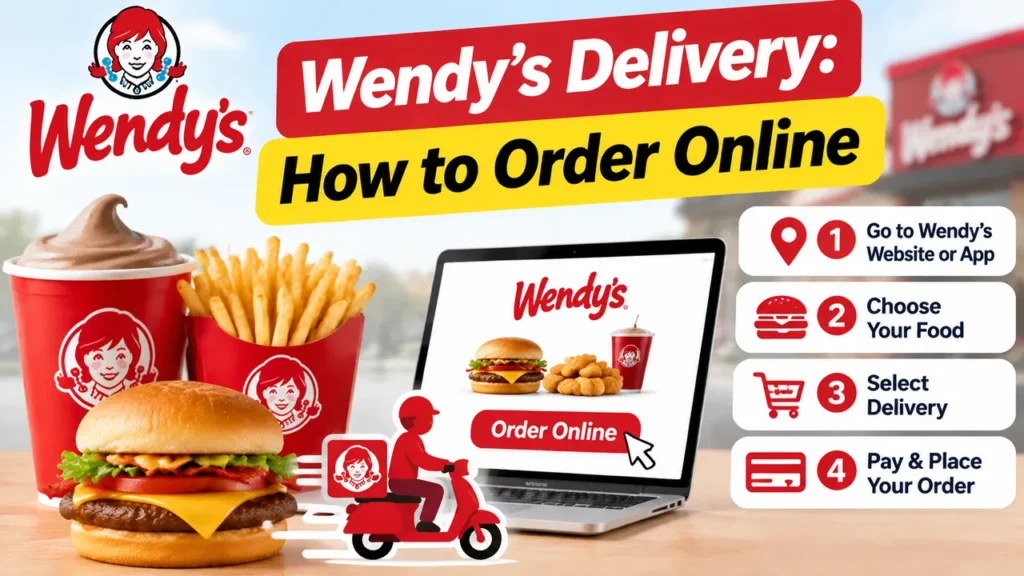
- Download the Wendy’s app from the App Store or Google Play, or go to order.wendys.com in your browser.
- Sign in to your Wendy’s Rewards account, or continue as a guest. Signing in keeps your saved addresses and payment methods close at hand.
- Choose Delivery and enter your delivery address. The app will show you the nearest participating restaurant.
- Browse the menu, add items to your order and customize them — extra sauce, no onions, a larger size — just as you would at the counter.
- Review your order, check the fees and the estimated arrival time, pay, and track your order until it reaches your door.
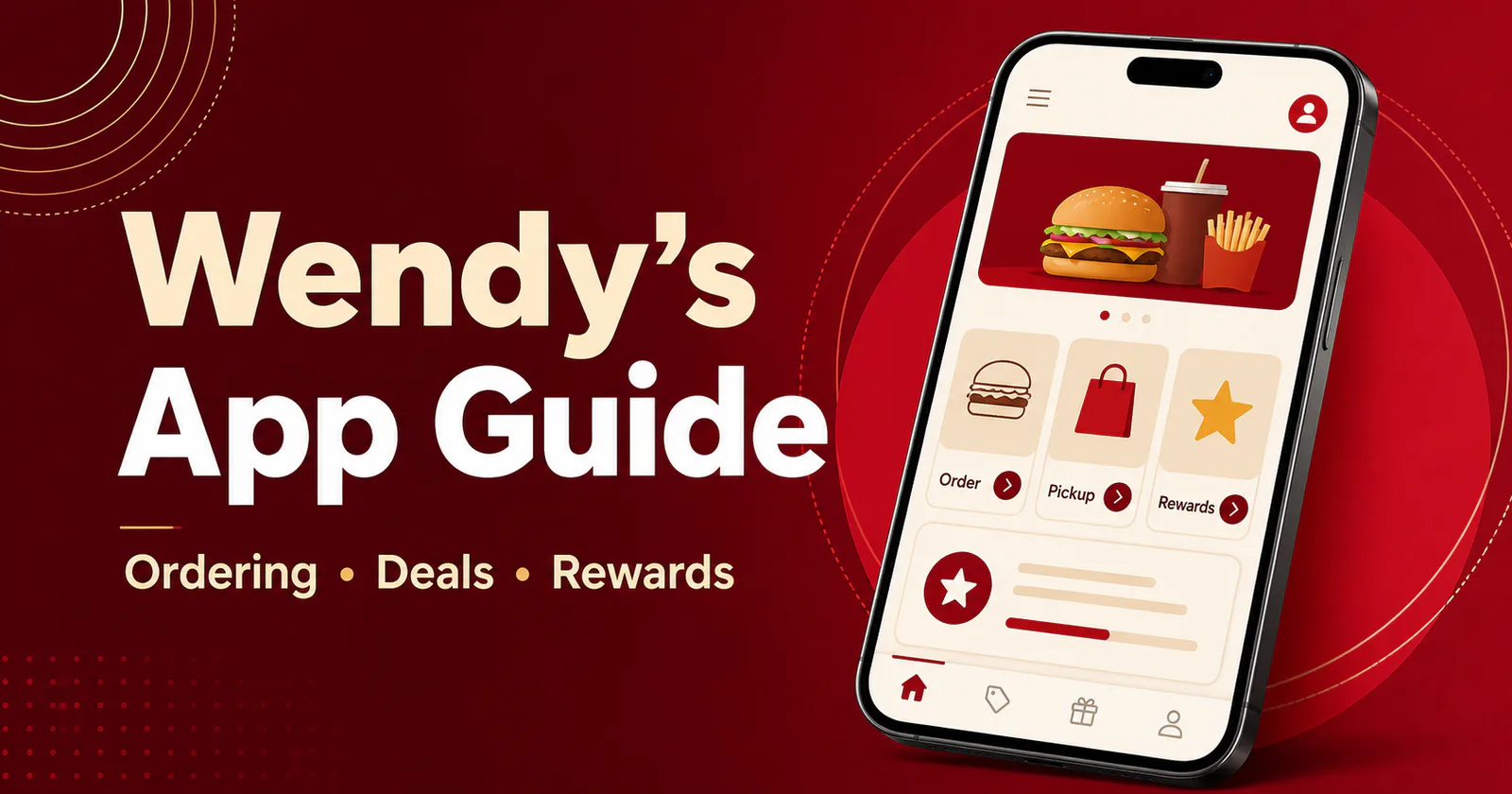
If you would rather collect your order yourself, the same app lets you order ahead for pickup instead. Choose Pickup, pick your restaurant and a pickup time, and your food will be ready when you arrive. Our Wendy’s app guide walks through downloading the app, setting up your account and ordering step by step.
Order Through a Delivery Partner
Prefer to stay in the app you already use for takeout? Wendy’s lists seven delivery partners on its delivery page, and every one of them can bring Wendy’s to your door where it is available.
| Delivery partner | How to order | Good to know |
|---|---|---|
| DoorDash | Order in the DoorDash app or website | One of the most widely available ways to get Wendy’s delivered |
| Uber Eats | Order in the Uber Eats app or website | Order from the same app you use for rides and other takeout |
| Grubhub | Order in the Grubhub app or website | Availability varies by location |
| Instacart | Order in the Instacart app or website | Availability varies by location |
| Postmates | Order in the Postmates app or website | Availability varies by location |
| Shipt | Order in the Shipt app or website | Availability varies by location |
| Walmart | Order Wendy’s through Walmart delivery | Availability varies by location |
Ordering through a partner works the same way in each app: search for Wendy’s, enter your address, add items to your bag, and check out. Your order is prepared by the nearest participating Wendy’s restaurant and collected by the partner’s courier. Keep in mind that the menu you see in a partner app can be a little different from the menu in the Wendy’s app. Some items are not available for delivery, and prices may be higher than in the restaurant, so it is worth comparing the two before you check out.
Wendy’s Delivery Fees, Minimums and Wait Times
Delivery is convenient, but it is not free — and the total is not the same every time. What you pay depends on the platform you order from, the restaurant’s location and your address, so there is no single flat delivery fee to quote. The honest answer is that fees and minimums vary by platform and location, and the exact amount is always shown in the app before you check out.
| Where you order | Delivery fee | Minimum order | What to expect |
|---|---|---|---|
| Wendy’s app or website | Varies by platform and location | Varies by platform and location | Delivery is fulfilled by a partner, and the fee is shown before checkout |
| DoorDash | Varies by platform and location | Varies by platform and location | Fee and minimum are set by the platform and shown in the app before you check out |
| Uber Eats | Varies by platform and location | Varies by platform and location | Fee and minimum are set by the platform and shown in the app before you check out |
| Grubhub | Varies by platform and location | Varies by platform and location | Fee and minimum are set by the platform and shown in the app before you check out |
| Instacart | Varies by platform and location | Varies by platform and location | Fee and minimum are set by the platform and shown in the app before you check out |
| Postmates | Varies by platform and location | Varies by platform and location | Fee and minimum are set by the platform and shown in the app before you check out |
| Shipt | Varies by platform and location | Varies by platform and location | Fee and minimum are set by the platform and shown in the app before you check out |
| Walmart | Varies by platform and location | Varies by platform and location | Fee and minimum are set by the platform and shown in the app before you check out |
Your final total is made up of more than the food. On top of the menu prices, a delivery order can include a delivery fee, a service fee, taxes and an optional tip for the courier. Promotions sometimes waive the delivery fee, so check the app for a current offer before you place your order. And remember that menu prices on a delivery platform may be higher than the prices in the restaurant, so the same order can cost a little more delivered than it would at the counter.
As for wait times, delivery times also vary — by location, by time of day and by how busy the restaurant and the couriers are. The app shows an estimated arrival time before you check out, so you can decide whether to order now, schedule it for later where the app allows, or switch to pickup instead. If your order is taking longer than the estimate, the tracking screen in the app is the fastest way to see where it is.
What You Can’t Get on Delivery
Delivery covers most of the menu, but not everything about the Wendy’s experience travels with the bag. Here is what to expect before you check out.
- No Rewards points. Delivery orders do not earn Wendy’s Rewards points — and that applies even when you order delivery through the Wendy’s app or website. They also do not qualify for in-app offers. If earning points matters to you, order pickup or eat in the restaurant instead. See our Wendy’s Rewards points guide for how points, tiers and redemptions work.
- No app-only offers on third-party delivery. The deals and offers in the Wendy’s app apply to orders placed in the app for pickup or in the restaurant. They do not apply when you order through DoorDash, Uber Eats, Grubhub or another delivery partner. Check the deals page before you order to see what is available, and whether it works for delivery or for pickup only.
- Some menu items are not available for delivery. Depending on the location, a few items may not be offered for delivery at all. If something you want is missing from the delivery menu, check the restaurant’s menu for pickup, or try another nearby location. Browse the full range on our Wendy’s menu page first, then check whether your chosen items appear in the delivery app.
The trade-off is simple: delivery buys you convenience, while pickup and dining in buy you the full Rewards experience. If you order Wendy’s often, it is worth choosing pickup for the orders where the points and offers add up, and saving delivery for the nights when staying in is the whole point.
Pickup vs Delivery
Not sure whether to have it brought to you or go and get it? Here is how the two options compare.
| Pickup | Delivery | |
|---|---|---|
| How you order | In the Wendy’s app or website, or at the restaurant | In the Wendy’s app or website, or a delivery partner app |
| Rewards points | Earn points on eligible orders | No points — delivery orders do not earn points |
| App offers | Apply to pickup and in-restaurant orders | Do not apply on third-party delivery |
| Extra fees | None | Delivery fee and service fee — varies by platform and location |
| Menu | Full menu at the restaurant | Most of the menu — some items are not available for delivery |
| Best for | Saving money and earning points | Getting food brought to your door |
Pickup wins on price and on points. You pay the menu price, you can use the app’s offers, and every eligible dollar earns Rewards points toward a future free item. Delivery wins on comfort: no driving, no queue, no carrying bags. For a quick lunch at work or a late dinner at home, that convenience is often worth the fee. A good rule of thumb is to order pickup when you are already out, and delivery when you are not.
Wendy’s Drive-Thru: Menu, Hours and Is It 24 Hours?
The drive-thru is the third way to get Wendy’s without leaving your car, and for many people it is the fastest option of all. The drive-thru serves the same menu as the dining room: breakfast from 6:30 to 10:30 AM at most locations, Dave’s burgers, chicken sandwiches, salads, sides, Frosty treats and drinks. If you want to decide what to order before you pull up to the speaker, browse the drive-thru menu with prices on our Wendy’s menu page.
What Time Does the Drive-Thru Close?
Drive-thru hours vary by restaurant. Many locations keep the drive-thru open later than the dining room, often into the late evening, but closing times are set by each restaurant and can change by day and by franchise. The only reliable way to know is to check your location before you go. Our locations page shows how to find the restaurant nearest you, and our Wendy’s hours guide explains how to check opening and closing times for any location.
Is Wendy’s Drive-Thru 24 Hours?
Most Wendy’s drive-thrus are not open 24 hours. A small number of locations do stay open around the clock, but they are the exception rather than the rule. If you are heading out late at night, check your location’s hours first rather than assuming the drive-thru will be open. Delivery can be a useful fallback on those nights — as long as a nearby restaurant is still taking delivery orders, you can get the same food brought to your door.
Frequently Asked Questions
Conclusion
The easiest way to get Wendy’s delivered is the way you will actually use. If you live in the Wendy’s app already, order there. If you live in DoorDash or Uber Eats, order there. Just remember the two things that catch people out: delivery orders do not earn Rewards points, and the fee is never the same twice, so check the total before you check out. And if you want the lowest price and the points, order pickup instead — your food will be ready when you arrive.