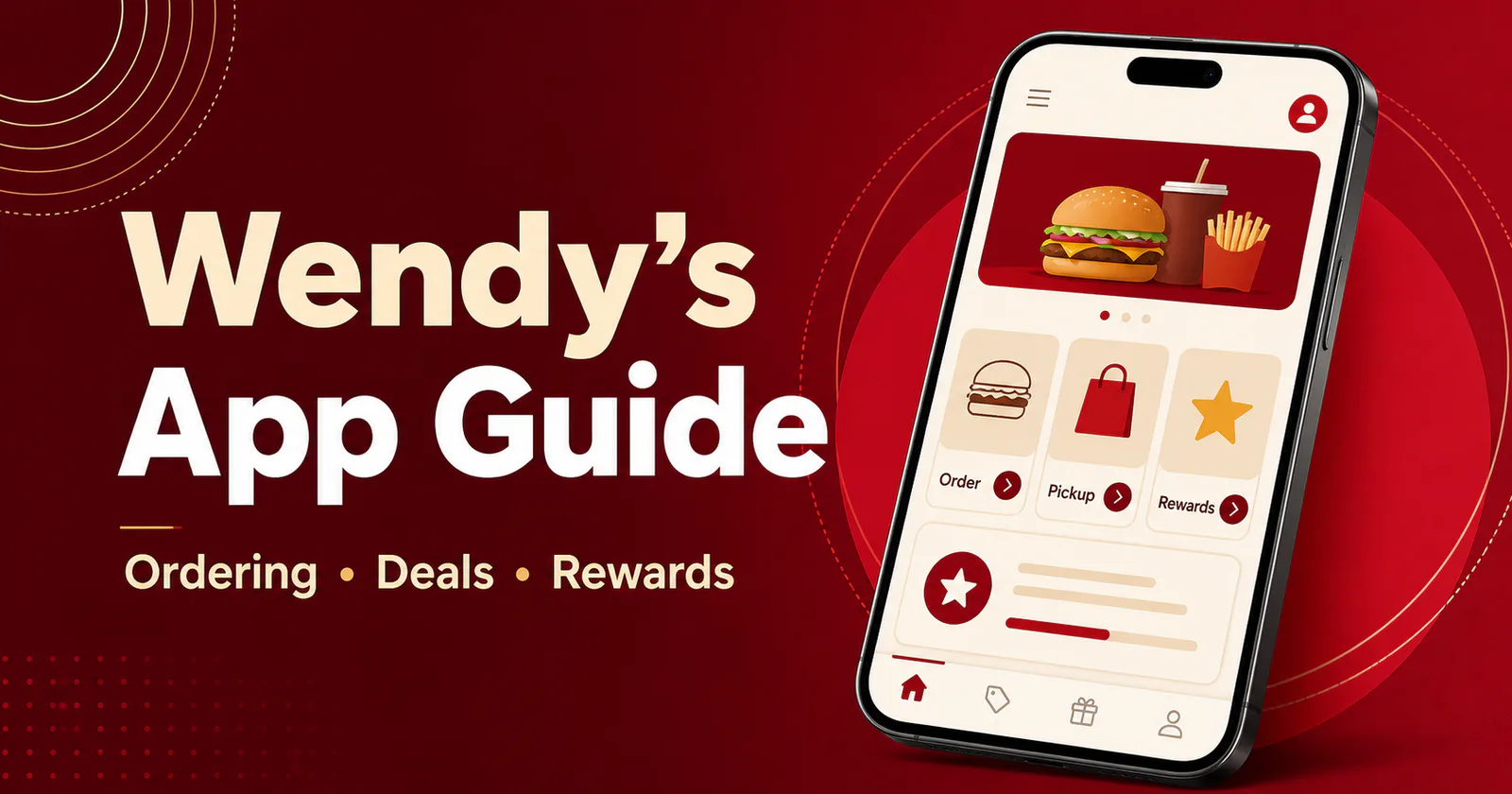
Wendy’s Mobile App: Download, Deals, Rewards & Mobile Ordering
The Wendy’s Mobile app lets U.S. customers choose a participating restaurant, view its local menu, customize an order, pay in the Mobile app, and select pickup or delivery when available. It also houses mobile offers and Wendy’s Rewards. Use the official store buttons below, then review the current ordering and Rewards rules before checkout.
Wendy’s Mobile app at a glance
Official downloads
The U.S. Wendy’s Mobile app is available for iPhone through Apple’s App Store and for Android through Google Play.
Mobile ordering
Order ahead for carryout or drive-thru, and choose dine-in or delivery where the selected restaurant offers it.
Rewards and offers
Eligible food purchases earn 10 points per $1. Wendy’s currently allows one reward and one offer in the same order.
Download the Wendy’s Mobile App
Choose the official listing for your device. The app is free to download. Food, taxes, delivery charges and other order costs still apply.
What the Wendy’s App Can Do
- Show a restaurant-specific menu: select a participating Wendy’s to see the items, prices and services offered there.
- Build and customize an order: choose available options for an item before adding it to your cart.
- Order ahead: select carryout, drive-thru, dine-in or delivery when the restaurant supports that service.
- Pay in the app: review the selected restaurant, service method, prices and final cart before submitting payment.
- Use mobile offers: add an eligible offer to a pickup order or load it to the in-app QR code for an in-person purchase.
- Earn and redeem Rewards: collect points on eligible purchases and exchange them for items listed in the Rewards Store.
The selected restaurant controls what appears in the app. Use our Wendy’s locations to find a nearby restaurant, or compare items first in the Wendy’s menu price.
How to Place a Wendy’s Mobile Order
- Install the official Wendy’s Mobile app and create or sign in to your Wendy’s account.
- Allow location access or enter a ZIP code, city or address to find restaurants.
- Select the restaurant that will prepare your order.
- Choose pickup or delivery, then add menu items and available customizations.
- Add an eligible offer or reward before checkout if you want to use one.
- Review the restaurant, service method, cart total, fees and pickup instructions.
- Submit payment and follow the confirmation shown in the app.
Check the location before paying
Prices, menu items, service choices and hours can change by restaurant. Confirm the selected location and final cart in the app. Our Wendy’s hours can help before you travel.
How Wendy’s Rewards Work in the App
Earning points
Wendy’s currently awards 10 points for every $1 spent on eligible food. You can earn through a pickup order in the Wendy’s app or online, or by scanning the Earn QR code at the counter or pickup window before paying.
Taxes, fees, tips, coupon discounts, redeemed offers and reward discounts do not earn points. You can still earn on the eligible balance left after a reward or offer reduces the order total.
Redeeming a reward
- Open the Rewards Store and select an item you have enough points to claim.
- Add the reward to a mobile pickup order, or load it to your Rewards Card for scanning at the counter or pickup window.
- Use up to one reward and one offer in the same order, subject to the terms attached to each promotion.
Rewards points expire 365 days after they are earned. Once you exchange points for a reward, that reward generally expires 30 days after it is claimed unless its terms show another date.
Claiming points from a receipt
If you forgot to scan before paying, open Earn in the app, choose Claim Receipt Rewards, then scan the receipt barcode or enter its code. Wendy’s notes that eligible points can take up to two hours to appear in your account.
Pickup and Delivery Have Different Rewards Rules
Pickup orders
Eligible pickup purchases can earn Rewards points. You can also apply a qualifying mobile offer and reward before checkout.
Delivery orders
Wendy’s current rules exclude delivery orders from Rewards points and in-app offers, including delivery ordered through the Wendy’s app or website. Delivery prices can be higher, fees may apply, and availability varies by location.
How Wendy’s App Offers Work
Available promotions appear under Offers. For a mobile pickup order, choose an eligible deal and add it before checkout. At the counter or drive-thru, load the offer to your in-app QR code and show it before paying.
Each offer can set its own dates, minimum purchase, eligible items, redemption limit and participating restaurants. Read the terms shown with the offer. You can also review current promotions in our Wendy’s deals.
If the App Does Not Show an Item or Service
- Confirm the restaurant: the app displays the menu and services assigned to the selected location.
- Check the service method: delivery, dine-in, drive-thru and carryout choices can differ by restaurant and time of day.
- Try another nearby location: an item unavailable at one restaurant may appear at another participating Wendy’s.
- Review the offer terms: some offers require a specific item, minimum purchase or pickup order.
Wendy’s Mobile App FAQs
Download the official Wendy’s app
Choose your device, sign in, and select the restaurant you want before building an order.