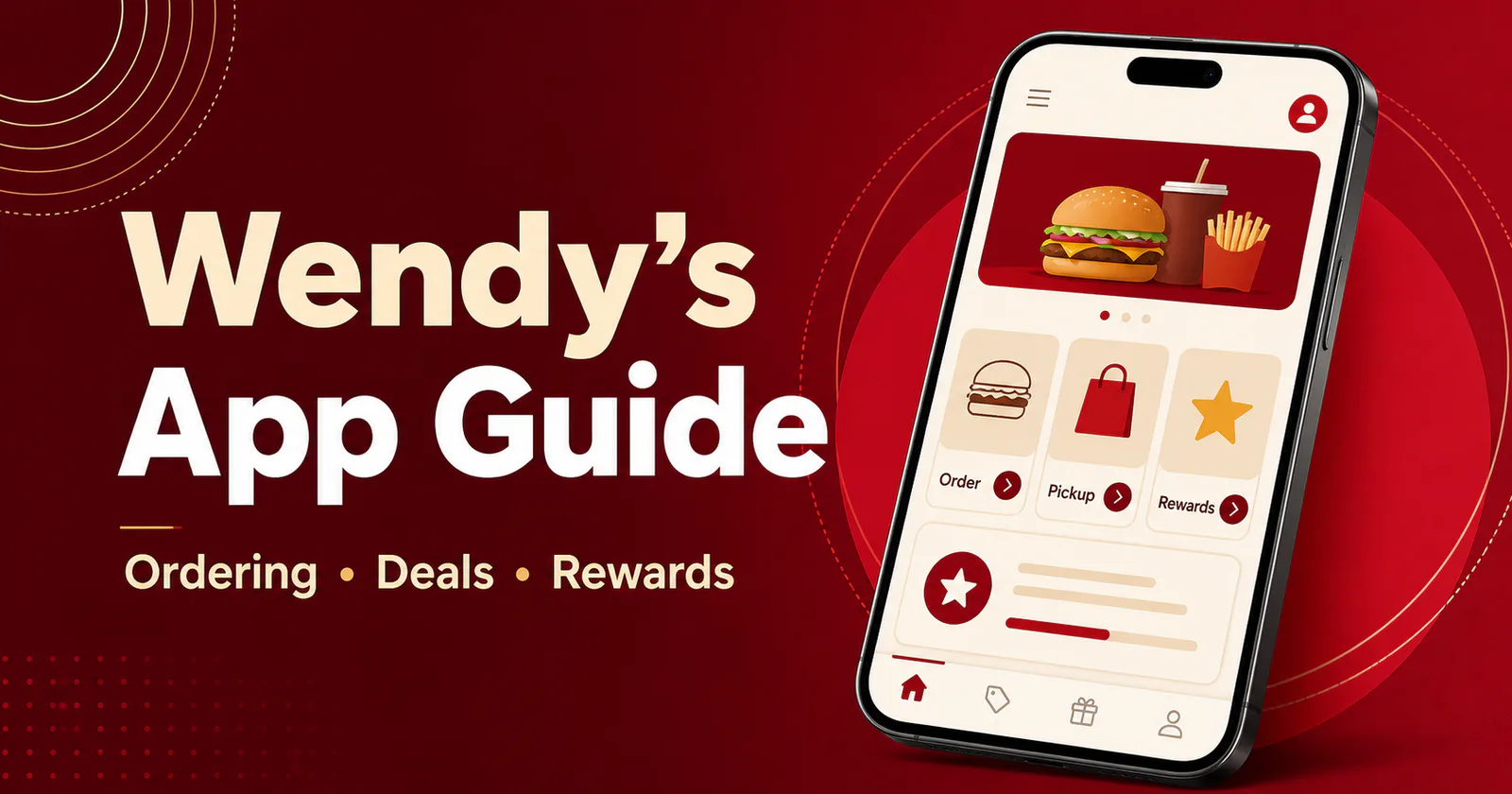
Wendy’s App vs Ordering In-Store: Which Saves You More in 2026
If you want to save money at Wendy’s, the Wendy’s app usually beats ordering in-store. The app unlocks app-exclusive deals, earns Wendy’s Rewards points on every purchase, and lets you order ahead to skip the line — advantages the counter and drive-thru simply don’t offer. That said, in-store ordering still wins for cash payers and rare, one-off visits.
In this guide, we compare the Wendy’s app with ordering at the counter or drive-thru across savings, speed, convenience, and Rewards. WendysPrice.com is an independent informational site not affiliated with or endorsed by Wendy’s. App features, offers, and prices vary by location and change over time.
The Short Answer: the Wendy’s App Saves Regulars More
For most regular customers, the Wendy’s app saves more money than ordering in-store. App-exclusive offers cut the price of your meal, and Rewards points earned on every order turn into free food over time. In-store menu prices are typically the same as in the app — the app’s edge comes from deals and points, not lower base prices.
If you visit Wendy’s a few times a month or more, weekly deals plus points make the app the clear winner. If you stop by rarely or pay with cash, the counter works fine — you’re just leaving potential perks on the table.
What You Get With the Wendy’s App
The Wendy’s app is free to download and is built around three things: deals, Rewards, and faster pickup.
Wendy’s App Deals and Exclusive Offers
The biggest money-saving reason to use the app is the offers section. Wendy’s regularly runs Wendy’s app deals — discounted combos, free items with a minimum purchase, or limited-time percentage-off offers. These change often, so check the app before every visit, and read each offer’s fine print since availability can differ by location and pickup method.
Rewards Points on Every Order
When you order through the app while signed in, you earn Wendy’s Rewards points on your purchase automatically — no scanning needed. Points accumulate and can be redeemed for free menu items. Even small routine orders add up: if you eat at Wendy’s a few times a month, your balance can quietly cover a free meal now and then. Program details can change, so check the Rewards section of the app for current terms (see the official Wendy’s Rewards page for the program basics).
Mobile Ordering: Skip the Line
Wendy’s mobile ordering is the app’s best convenience feature. Build your order, pay in the app, and pick it up at the counter, drive-thru window, or curbside where available. During rushes, ordering ahead saves significant time — and your food is typically prepared around your arrival time. Our Wendy’s app guide walks through setup and ordering step by step.
Easier Customization and Reordering
The app makes it simple to customize your order exactly how you like it — extra pickles, no onions, light ice — without relaying modifications through a drive-thru speaker. Saved favorites and past orders are one tap away.
What You Get Ordering In-Store
Ordering at the counter or drive-thru is the classic Wendy’s experience, and it still has genuine advantages.
Pay With Cash, Card, or Gift Cards
In-store, you can pay however you like — cash, card, or gift cards — with no setup required. Mobile ordering needs a payment method saved in the app, so if you prefer cash, the counter is the easier route.
Help From Real People
If you have menu questions, an allergy concern, or a complicated group order, speaking with a crew member can be faster and clearer than tapping through screens. Staff can also confirm what’s available at that specific restaurant, since items and hours vary by location (see our Wendy’s menu with prices).
No Account or Smartphone Needed
Not everyone wants to create an account or keep a charged phone handy. In-store ordering needs none of that: walk in, order, pay, and eat. For spontaneous or one-off visits, that simplicity is hard to beat.
Wendy’s App vs In-Store: Side-by-Side Comparison
Here’s how the two options stack up at a glance:
| Feature | Wendy’s App | In-Store / Drive-Thru |
|---|---|---|
| Exclusive deals | App-only weekly offers and discounts | Standard menu pricing plus posted restaurant specials |
| Rewards points | Earned automatically on every order | Only if you scan your app at checkout |
| Speed | Order ahead and skip the line | Wait your turn, longer at rush hours |
| Payment options | Saved card in the app | Cash, card, and gift cards |
| Best for | Regulars chasing maximum savings | Occasional visitors and cash payers |
Bottom line: the Wendy’s app wins on savings and speed for repeat customers, while in-store wins on payment flexibility and simplicity.
When In-Store Ordering Makes More Sense
The counter or drive-thru is the smarter pick when:
- You’re paying with cash or a gift card.
- Your phone is dead, or you have no data connection.
- You’re placing a large or complicated group order that’s easier to explain in person.
- The location doesn’t support mobile ordering.
- You eat at Wendy’s so rarely that Rewards points would take ages to add up.
In these cases you’re not losing money — you’re trading potential app perks for simplicity.
How to Save Money at Wendy’s Either Way
Whichever method you prefer, these habits keep more money in your pocket:
- Check offers before you order. Look at the app’s deals and our Wendy’s deals page before every visit.
- Scan every time. Even if you pay at the counter, scanning your app earns Rewards points.
- Compare weekly specials. Stack app deals against in-store specials and Wendy’s coupons to find the best price.
- Know the value menu. The Biggie Deals lineup is often the cheapest way to eat, with or without the app.
- Remember location variance. Prices, offers, and features vary by restaurant.
Frequently Asked Questions
WendysPrice.com is an independent guide and is not affiliated with Wendy’s. Menu items, prices, offers, and app features vary by location and change over time — when in doubt, confirm details in the Wendy’s app or at your local restaurant (background on the company: Wikipedia’s Wendy’s page).